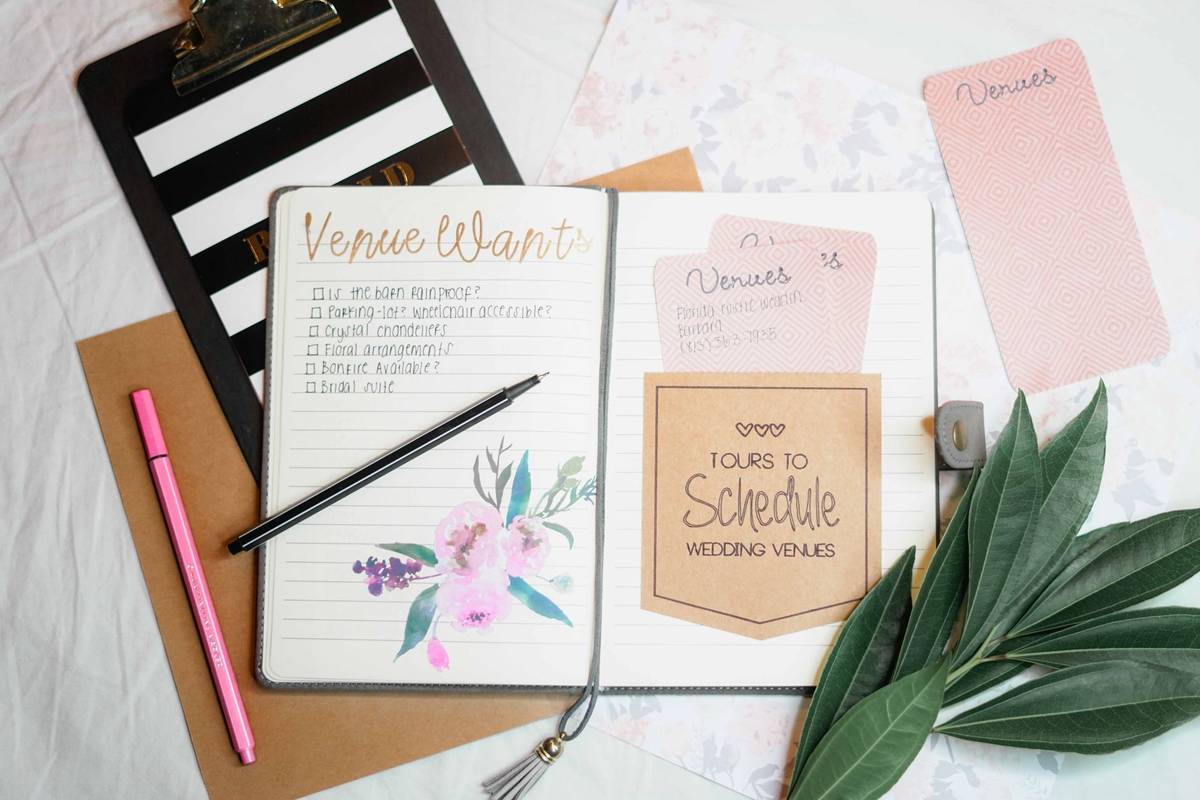
offline-capable wedding planning apps that store data on your device
Plan your wedding offline when connectivity fails at the venue.

Offline-capable wedding planning apps store your data on the device itself, not just on a server somewhere. That distinction matters more than most couples realize until they're standing in a barn with zero bars, trying to update a guest count before the caterer calls back. This piece maps the real spectrum of "offline" claims in wedding apps, what's actually left in the field after a major offline-first app got pulled from Android, and what Australian couples specifically need to check before betting their planning on one tool.
Why connectivity gaps are a real planning hazard, not an edge case
Barns, vineyard estates, coastal properties, rural ceremony sites: these aren't fringe choices for Australian couples. They're popular venue types, and a lot of them sit in mobile dead zones or run on Wi-Fi that drops the second twenty guests show up for a walkthrough.
Picture the walkthrough itself. A couple tours a shortlisted venue, wants to jot down table counts, check floor dimensions against a seating idea, note a catering question, adjust the guest list on the spot. If the app needs a live connection to save any of that, it's dead weight in exactly the moment it needed to earn its keep.
Same problem on the wedding morning. A coordinator opens the app to pull up the seating chart or the dietary breakdown, and the venue's guest Wi-Fi isn't cooperating. That's the worst possible time for a tool to fail, because there's no second attempt. And it's not just local venues. Couples planning across time zones, editing guest lists mid-flight, or finalizing details from a remote honeymoon spot need their data to survive without a signal.
The sneakiest failure mode isn't the app that visibly won't load. It's the one that lets a couple type in a new RSVP or a dietary note while offline, looks like it saved, and then loses the change the moment the app reconnects and pulls from the server rather than preserving the local edit. Nobody catches that until the number doesn't add up.
None of this means every couple needs to panic about signal strength. Plenty of couples never run into the problem at all. But treating offline reliability as a real filter, not an afterthought, is just sound risk management for anyone booking a venue with patchy coverage, which is why all-in-one organisers like Wedbuild, where RSVPs, guest lists, and seating charts share a single data layer, reduce the risk of losing edits made in the field.
WeddingHappy: the clearest example of true offline-first design, and what happened to it
For years, WeddingHappy was the app people pointed to when they wanted an example of offline done right. Its whole design premise was that almost nothing in the app needed a network connection to function. Airplane mode, underground, dead zone at a vineyard: it didn't matter. The planning experience lived on the device first.
The business model backed that up. The free tier gave single-device access, with offline capability included for every user, not gated behind a paywall. Paying unlocked the extras: syncing across multiple devices, sharing with a partner or vendor, and cloud backup. Offline capability was included in the free tier, with cloud sync available as the paid upgrade, which is less common than the reverse pattern in this category.
WeddingHappy had real traction too: 86,000 downloads and a 4.17 out of 5 rating across 510 reviews. That's not a niche experiment; that's a genuinely used tool.
Then, on December 15, 2025, it was pulled from Google Play. Android users can no longer download it. As of research for this piece, it was still listed on its Apple page, though anyone considering it on iOS should confirm current availability directly before relying on it, since app store listings shift without much notice.
Whatever replaces WeddingHappy in couples' planning stacks, the removal leaves a real gap. The most cited offline-first app in the category is now unavailable on the world's largest mobile platform, and nothing else in the mainstream field has stepped in to fully replace what it did.
How the mainstream wedding planning apps handle offline use, and where they fall short
Here's the blunt version: no major platform currently in the field has confirmed full offline support across all its features. Offline behavior, where it exists at all, tends to vary by feature and by app version, and developers rarely document it clearly.
Most of the big cloud-first checklist-and-guest-list platforms depend on a live connection for their core functions: the checklist, the guest list, the website builder. Some have strong toolsets and polished design, but if the server can't be reached, the tool stalls. A few carry specific gaps for Australian users on top of that, like RSVP systems that don't recognize Australian phone number formats, or registry features that require a US bank account — a confirmed limitation for at least one major platform — which matters regardless of whether connectivity is an issue at all.
On the seating and floor-plan side, drag-and-drop tools are common and often free, paired with a budget tracker and checklist. But these tend to be cloud-based too, with no documented offline mode, and vendor directories built around markets other than Australia. Guest-facing planning tools with strong templates and free guest experiences exist as well; these usually shine at the guest-facing layer (invitations, RSVPs, a nice-looking site) rather than as a full offline-capable back office for the couple doing the planning.
Publishing models add another wrinkle. Some platforms let couples design a wedding website for free, but charge to actually publish it, with fees that can run from around $39 up into the hundreds of dollars depending on the tier. That's not an offline issue exactly, but it's the same pattern: what looks free on the surface has a catch buried a few screens in.
The honest summary here is unglamorous: most mainstream planning apps are cloud-first by design, and any offline behavior they do have is incidental, not engineered. Couples who genuinely need offline reliability should treat that as a hard filter up front, because guessing wrong on this one shows up at the worst possible moment.
Seat Puzzle and purpose-built offline tools for seating and floor plan work
Seating is where offline reliability matters most, full stop. Table counts, dietary flags, VIP placements: these get finalized or adjusted at the venue, right where connectivity is weakest, and a mistake here doesn't get quietly fixed later. It shows up on the night.
Seat Puzzle, built for iOS, is designed specifically as an offline-capable tool for event seating and floor layout work. It comes with a fairly deep item library, tables and seats in various configurations, a dance floor, a DJ booth, so a couple or planner can actually mock up the room rather than guess at it. Beyond the layout tools, it includes a guest list builder that tracks RSVPs, VIP status, children, and accessibility needs, an event checklist with due dates, a guest menu breakdown showing who ordered what, and the ability to import a guest list from a spreadsheet instead of typing everyone in by hand.
What it doesn't do is talk to anything else. Seat Puzzle is a standalone tool, not a module inside a bigger planning platform. That means if a guest changes their RSVP or updates a dietary need somewhere else, someone has to manually carry that change into Seat Puzzle. It won't happen on its own.
That's the real question worth asking about any seating tool before committing to it: when an RSVP changes, does the guest record the seating chart depends on feed from it automatically, or is a person supposed to catch every change and re-enter it by hand? The ideal chain runs from RSVP into the guest list, from the guest list's dietary flags into the seating chart, and from the seating chart out to the kitchen and back to guests on the night. Seat Puzzle handles the seating and floor-plan piece of that chain well. It doesn't handle the rest of it, and it was never built to.
Used as a venue walkthrough companion, or as a dedicated floor-plan tool sitting alongside a broader planning system, it does its job. Used as a replacement for an integrated platform, it leaves gaps that someone has to fill manually.
What Australian couples actually need from a planning platform, offline or not
Strip away the marketing copy and there are really eight things worth checking before committing to any wedding planning app, Australian or otherwise.
Guest management needs to live in one place: names, households, plus-ones, contact details, and dietary requirements, not scattered across a spreadsheet and three separate app screens. RSVPs collected online should sync straight into that same guest list automatically, not require manual reconciliation. The wedding website needs to actually get used by guests, not just look nice in a demo. Seating charts should draw directly from the real guest list rather than a copy that's been re-typed and can drift out of sync. Budget tools should track real invoices and real payments made, not just rough estimates entered once and forgotten. Checklists and a timeline round out the planning basics. On top of all that: Australian relevance matters, meaning AUD pricing where money changes hands and no quiet requirement for a US address or US bank account buried in a feature couples assumed they could use. And pricing needs to be honest upfront, with free tiers that are clearly limited rather than paywalls that appear out of nowhere in the final stressful weeks before the wedding.
That publishing-fee pattern mentioned earlier is worth flagging again here specifically: some platforms let a couple design a full wedding website at no cost, then charge to actually publish it live — fees that can range from around $39 up to several hundred dollars, whether as a one-time payment or an annual subscription depending on the platform. Couples need to know exactly when that charge kicks in, not discover it after they've already built the site around it.
Pricing models shift too. Apps once known for a single one-time purchase have moved to annual subscriptions running close to US$99 a year, which means older reviews praising "buy once, done" pricing may no longer reflect what a couple is actually signing up for.
And the Australian-relevance issue isn't small print. RSVP systems that reject Australian phone number formats, registry features that require a US bank account, vendor directories with no Australian listings at all: these are the kind of gaps that don't show up until a couple is already mid-setup and hits a wall. Offline capability deserves a spot on this checklist, but it's one item among eight, not the single deciding factor.
Choosing the right combination: when one tool is enough and when two make sense
Couples with a venue that has decent Wi-Fi, who do most of their planning from home or the office, and who want everything living in one connected system, don't need to chase offline capability at all. For that group, the priority is a platform where RSVP data, guest list, seating chart, budget, and website all update from the same source automatically.
Managing Matrimony, built in Australia, is one option that keeps guest list, invitations, wedding website, seating chart, budget, runsheet, vendor tracking, and stationery inside a single platform. It's free to start, with paid upgrades reserved for more advanced tools and sending features, and it comes from people with actual wedding coordination background rather than a generic tech build.
Some couples will do fine splitting tools instead of consolidating them, especially if their main need is a strong guest-facing website with unlimited guest capacity, paired with a separate budget tracker running alongside it. That combination works fine for lighter planning needs. It tends to break down once a couple needs serious back-office infrastructure, real seating logic, or tight dietary tracking, at which point the gaps between two disconnected tools start costing time instead of saving it.
For vendor discovery specifically, a directory built around thousands of Australian suppliers with genuine local reviews is going to beat a global platform every time, simply because the listings are relevant to where the wedding is actually happening. But a vendor directory is a vendor directory. It's the supporting act, not the main planning system, and leaning on it as the only tool for seating charts or budget tracking asks it to do a job it wasn't built for.
Boiled down, the decision filter looks like this: if offline access is non-negotiable, Seat Puzzle covers the seating and floor-plan side on iOS, though nothing currently confirmed in the field offers a fully offline all-in-one system the way WeddingHappy once did on Android before its removal. If Australian vendor discovery is the priority, a local supplier directory wins outright. If the goal is the strongest free guest-facing website, that's a different tool again, chosen for that reason alone.
Underneath all of it sits one principle that matters more than any single feature comparison: every time a couple has to re-enter information that already exists somewhere else, an RSVP response, a dietary flag, an updated guest count, that's a manual step, and manual steps eventually get missed. The strongest argument for an integrated platform was never convenience. It's accuracy, and accuracy is the one thing that actually matters on the day.