The Wedding Platforms That Actually Connect Your RSVP Dietary Data to Your Seating Chart
Automatic updates between RSVPs and seating charts spare couples from manual data transfers.
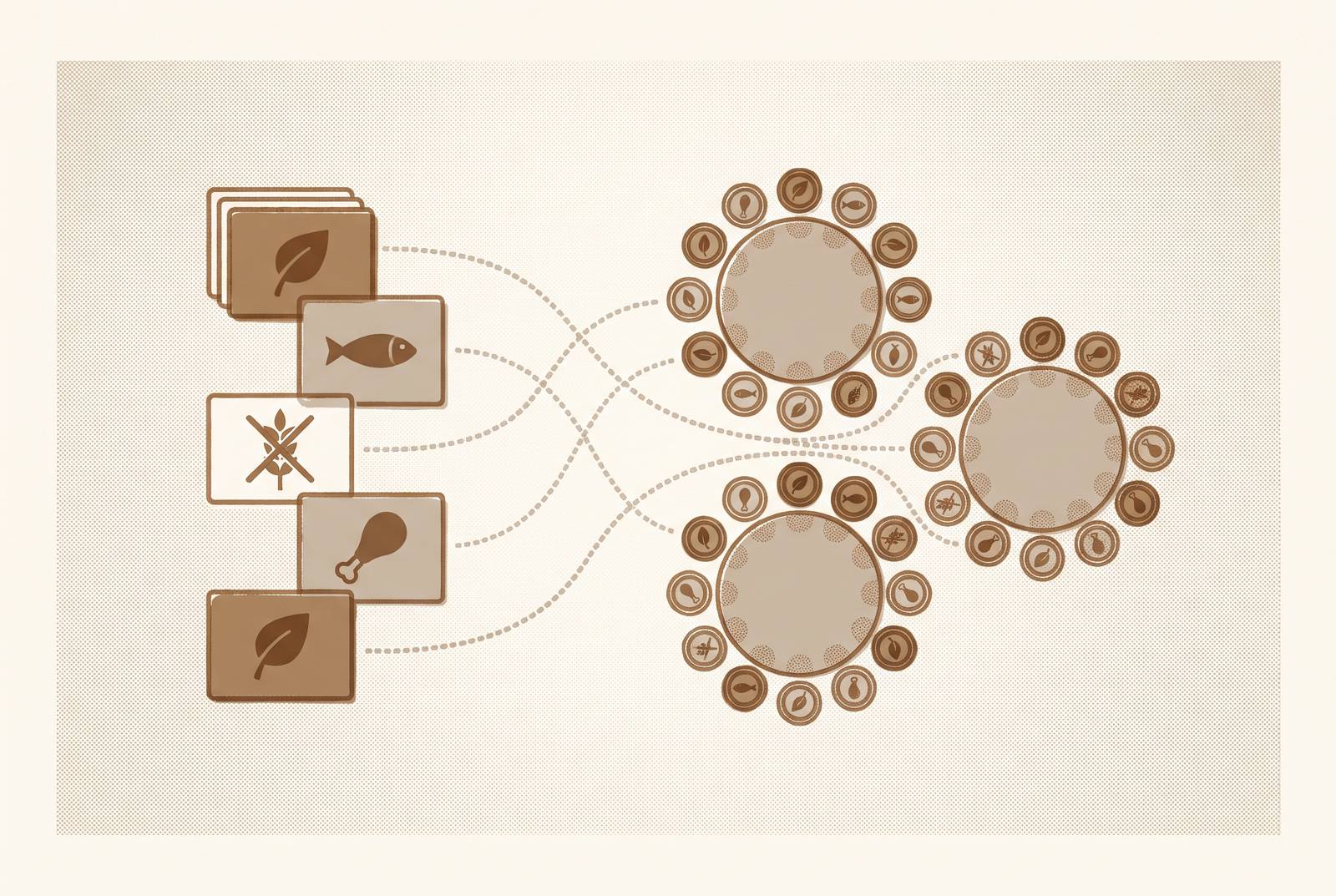
Wedding platforms only connect RSVP dietary data to seating when changes flow through without the couple copying them across. This guide explains how to test that connection, where PerfectTablePlan fits, and why the caterer’s final document is the proof that counts.
Why dietary RSVP data and seating charts end up as two separate problems
It is midnight in the final week, and the spreadsheet is still open. One list says who is coming and what they can eat. Another says where they will sit. Someone has to cross-reference them, checking that every dietary requirement belongs to the right guest at the right table. That someone is usually the couple or a very patient parent.
The problem starts well before that late-night session. Some wedding platforms collect dietary requirements through an RSVP form but use a separate tool for seating, sometimes in different software altogether. There is no live link between the two. So a guest’s answer can be right in the RSVP list while the seating plan still needs updating. The couple becomes the link the software does not provide.
Much of the category was built around the guest-facing experience first, including wedding websites and invitations, with the logistics behind them coming second. Collecting an answer and using it at a reception are different jobs. A platform can do the first neatly without connecting it to the second, and the gap may not become obvious until the handover deadline is close.
The consequences go beyond an untidy seating chart. Some caterers prefer to seat guests with severe allergies or coeliac disease at specific tables where cross-contamination risks can be more easily managed. A missed requirement can undermine that arrangement. This is a reason to treat dietary information as part of the guest’s seating record.
What the spreadsheet workaround actually costs a couple
The spreadsheet workaround puts the missing connection back in the couple’s hands. Its four-phase master document covers the invitation list, RSVP and dietary data, seating, and gift and thank-you tracking. By the last phase, it has many columns that each do a different job. The design is understandable because the information needs somewhere to live. Maintaining it is the real cost.
During active planning, that approach can require daily exports into seating software and back again. When an RSVP changes, the couple has to reopen the master document, update the seating version, and check that the two still agree. That is not simply good organisation at work. This takes time away from decisions about the wedding itself as the couple does the same work again to keep the tools in step.
In Australia, the average guest list starts with around 108 planned guests and ends with near 85 who actually come. That gap affects more than empty chairs. Changes ripple into table arrangements, catering numbers and the budget, so the spreadsheet cannot remain a fixed reference throughout planning. It can hold a snapshot, but someone has to keep copying changes between separate tools to keep that snapshot up to date.
A well-kept spreadsheet can still depend on someone remembering every transfer. Adding more columns does not remove that dependency, and a tidy export does not prove it matches the latest seating plan. A connected platform has to stop the couple having to repeat the work, even if it gives them a cleaner place to start.
What a genuine dietary-to-seating connection actually looks like in a platform
To tell whether a platform removes that work, ask what happens when a guest cancels, or a plus-one responds with a new dietary requirement after the seating chart has been drafted. The relevant information should update automatically, without an export, import or manual correction by the couple. Ask what happens in the seating chart itself. An updated RSVP screen alone does not answer the question.
The second test is how the chart displays dietary information. Does it use structured fields that can be sorted, with a clear severe-allergy marker, or does it just show whatever text the guest gave? The distinction is practical. Free text can preserve an answer, but the couple may still have to interpret it and separate severe requirements from other meal notes. Information being visible is not the same as information being ready to use.
The third test follows that information to the caterer. Can the platform produce a handover directly from the seating chart, with table-by-table meal counts, dietary flags and severe-allergy warnings, without reformatting? A general guest export is not enough. The output needs to connect what each guest requires with where they will be seated, in a form the caterer can work from.
Automatic updates keep records in step, structured fields make requirements distinguishable, and the handover turns those records into a working document. Passing one does not establish the others. A chart might update automatically while still leaving the couple to sort dietary notes and assemble the kitchen paperwork by hand.
The handover is the strongest end-to-end test because it exposes any work left between the seating plan and service. If it comes straight from the chart without someone having to put it together by hand, the connection goes all the way to the caterer. If someone must combine mismatched exports, another opportunity for error remains. For a severely allergic guest, that gap deserves more attention than how polished the seating chart looks.
How the platforms that claim this feature actually perform against those three tests
PerfectTablePlan lets people manage guest information and seating together. Its official homepage lists guest details, RSVPs, meal choices and preferences among its features, while its quick-start guide places those details within the same interface. Its automatic seating creates an initial arrangement that can then be refined by drag-and-drop. It is the best fit here for very large guest lists, though it has one important limit on how it handles dietary data.
Its offline design needs to be understood on its own terms. PerfectTablePlan’s official website states that the desktop software works without an internet connection. Its connection is internal. Having RSVP records and seating in that environment is useful, but it does not by itself establish that a guest’s online response will reach the chart automatically.
Against the second test, the limitation is explicit. PerfectTablePlan’s official help page directs users to record allergies and other special dietary requirements in the “Special requirements” field. That is a plain-text field. The requirement can be recorded, but the software’s documented approach does not provide the severity classification this test calls for.
The available product details also do not establish the full third test. Keeping meal choices and seating together does not prove that the software can make a document the caterer can use, with every count, flag and warning needed, without reformatting. That remains a question to resolve before relying on it for the handover. It handles seating for large events well and keeps guest records together, but it has yet to show that it passes all three tests.
The wider comparison is between connected records and a collection of separate features. Where RSVP changes do not update seating, the platform fails the first test even if both tools appear in the same account. If dietary notes need sorting or the handover needs rebuilding, the couple still has work to do. There is not enough supported evidence here to name an all-three-tests winner, and a claim of completeness would obscure the very gap couples need to assess.
Why the Australian context makes dietary-to-seating accuracy more consequential, not less
For an Australian reception, the deadline is not simply the wedding day. Caterers need confirmed numbers and dietary breakdowns two to three weeks before the event. That is the working cutoff. A couple discovering disconnected records in the final week is therefore finding the problem after the point when those details were needed.
With a guest list of the size described earlier, the documents each have a different job. The invitation list tracks who has been invited, the RSVP layer records attendance and dietary needs, and the seating layer places those guests. The caterer handover must turn the relevant details into instructions for the reception. They cannot simply be treated as interchangeable lists, but they do need to agree.
That agreement also protects a major part of the budget. Venue and catering account for nearly half of total Australian wedding spend, so a dietary error requiring last-minute catering changes can be expensive as well as disruptive. The financial consequence follows from the operational one.
Peak-season bookings add another timing pressure. Spring, from September to November, and autumn, from March to April, are peak periods, with venues and vendors booking 12 to 18 months ahead. A couple can have a long planning runway and still reach the two-to-three-week cutoff with disconnected records and no slack for reconciliation.
The Australian context therefore sharpens the need for a usable handover. Booking dates, final catering numbers and changes to guests’ answers each have their own timing. A connected tool cannot remove those deadlines, but it can remove the need to rebuild the dietary picture every time the seating changes. That is a concrete benefit at the point when the information must leave the planning tool and reach the people serving the meal.
The questions to ask any platform before trusting it with this data
Begin with a guest who has already responded, then changes their dietary requirement. Does that change appear in the seating chart automatically, or must someone do something first?
Next, ask whether dietary information appears as a structured, sortable field or as free text. Then ask whether the platform can produce the table-by-table dietary summary directly from the seating chart without reformatting. These are separate questions. A clear on-screen flag may never reach the caterer, and an export button may not give the caterer the document they need.
Fourth, ask what happens if an RSVP is withdrawn or a plus-one is added after seating has been drafted. Find out whether the process is automatic, needs a click, or requires a fresh export and import. A vague promise that the guest list is “easy to update” leaves the crucial work unexplained. The answer needs to cover the seating record.
Australian couples should add a fifth question about use at the venue. Can the caterer get the dietary information through table cards, a printed run sheet or a QR-based system without logging into the planning tool? The format must suit the handover. If the couple still has to reformat data on the wedding morning, the connection stops short of the people who need it.
These questions help most when there is still time before the seating chart has to be ready. They distinguish a tool that stores information from one that moves it all the way to service, and they make any remaining manual work visible early. Couples can then choose on the basis of the job actually being finished.