Wedding Planning Software You Own Outright Instead of Renting Month to Month
One-time-payment planners keep wedding data yours even if the vendor disappears.
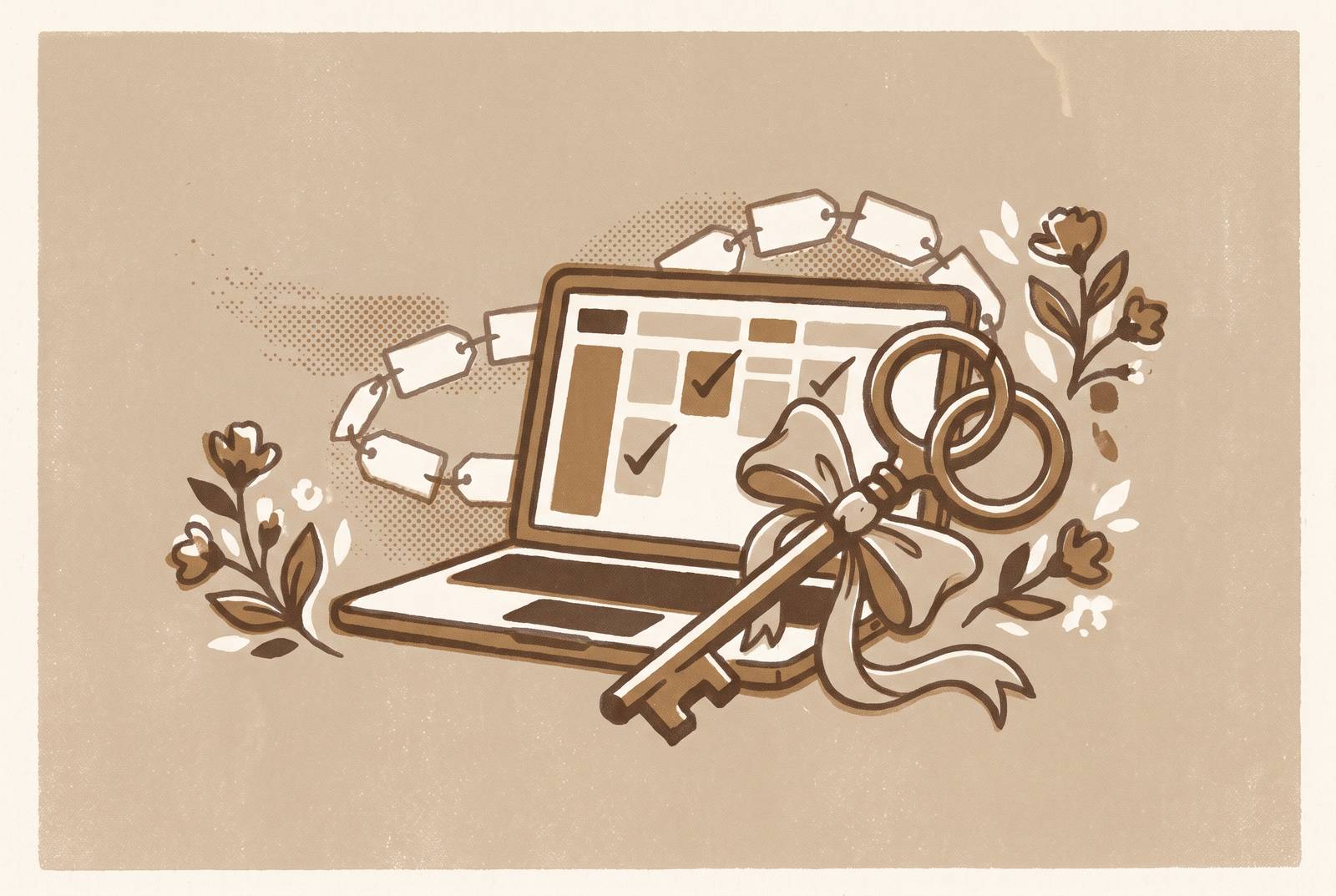
For Australian couples replacing wedding spreadsheets entirely, the key is connected wedding planning software. A pay-once planner can do away with the monthly bill and link RSVPs, seating and catering costs. The right choice depends on what the tool connects, what it costs to keep, and whether access depends on the vendor staying in business.
Why the subscription model dominates wedding planning software — and what that costs couples
Most wedding planning software comes with monthly subscriptions, annual subscriptions or free tools paid for by vendor advertising. Those models support different products. With a subscription, couples pay to keep using the tools, while a marketplace gets its money from vendors who want those couples’ business. Understanding that distinction helps explain why a platform can be strong at finding suppliers but less useful for managing the work after they are booked.
The business model shapes the feature set. When vendor listings bring in money, planning tools help draw couples into the marketplace, so there is less money to be made from thorough planning workflows than from helping couples find vendors. Free” describes the price to the couple.
The advertised price can also leave out costs. Fees to activate each event, cuts taken for payment processing and paid tiers that unlock guest limits or seating tools can change the total, while annual plans that renew on their own tie couples to another payment. With a subscription, stopping payment can end access to the cloud-held planning record. A small group of tools has no recurring charges, but couples need to read closely what each one promises they will own.
The three genuinely ownable pricing models and what distinguishes them
A one-time purchase with cloud hosting means paying once for a planner, invitation site or both to remain online indefinitely. There is no recurring access charge. However, the couple still depends on the vendor operating the service, so “lifetime” is not the same as independence from the company.
A one-time download puts a permanently owned file on the couple’s device. It needs no vendor account or cloud service, and that local file is not exposed through a breach of the vendor’s servers. Couples must manage copies across devices themselves. The file survives the business that sold it, which is a different kind of permanence from lifetime cloud access.
The third model is genuinely free software without advertising or a vendor marketplace, sometimes paired with a fixed-price, one-time upgrade. The free tier covers a defined set of features. Payment unlocks the rest. Each model needs a permanence test. A one-time charge can also buy hosting for a fixed number of months, after which the site goes offline, so the vendor’s own terms must distinguish indefinite access from a prepaid term.
The ownable tools available in 2026 and what each one actually covers
The Private Wedding App offers lifetime access for $189, with a separate $19.99/month option and a 3-day free trial. Only the lifetime plan qualifies as pay-once ownership. The Private Wedding App’s October 2026 comparison lists invitations, RSVPs with meals and allergies, a guest list, seating, budget, checklist, vendor tools, guest photos and an AI assistant. It also lists up to 26 guest languages, with each guest choosing their own.
The company describes one guest reply updating the guest list, seating plan and catering line of the budget simultaneously, with the AI assistant reading that live data. It may suit couples who want one cloud planner for all those jobs. The comparison comes from the company selling the app, so its claim to be the only app in that comparison with this integration needs that context. Lifetime payment also leaves the usual dependency on a working cloud service.
ForeverAfter offers a free plan and a one-time Premium upgrade, with no monthly subscription at either tier. Premium adds video sharing and unlimited contributors, plus full unlocks of QR code RSVPs, the seating planner, guest photo sharing, AI invoice scanning and PDF exports. Couples can use parts of several of those features for free. Budget-conscious couples can begin without paying and upgrade once if they need the advanced features.
Wedding Planner: Vow offers a one-time lifetime unlock for core logistics, including a budget tracker, guest list, seating chart and vendor manager. Its platform limit is clear. It works only on iPhone and has no wedding website or guest photo sharing. It therefore suits iPhone-only couples who want a native planning app, but it does not replace the guest-facing side of their arrangements.
Wedding Day Timeline costs $95.99 as a one-time payment and covers the day-of schedule. It is an AI-powered timeline tool with US-based data residency. There is no guest list, seating tool, budget or wedding website. It fits couples who already have a planner and want a dedicated schedule add-on.
A schedule tool, a native logistics app and a connected cloud planner solve different problems, even when all offer one-time payment. Nor does a feature appearing on two product pages establish that it works the same way. For couples replacing spreadsheets, what matters most is whether the information moves between features without someone typing it in again.
Where connected data matters most: the RSVP-to-seating-to-kitchen chain
The sharpest test starts with a guest’s reply. Does it update the guest list, dietary requirements, seating plan and catering brief, or does someone have to copy the answer at each step? With separate RSVP and seating features, couples may still have to check two lists and make them match. A planner has not removed that spreadsheet workload if the couple remains the link between its parts.
Consider a guest changing their meal details in the final week. If replies are in one system and seating in another, someone must make the records match before the kitchen gets its brief. The caterer needs the right meal and allergy information attached to the guest’s final seat, including a table-by-table allergy roster for the night.
Australian wedding dietary requirements regularly extend beyond vegetarian and vegan meals to gluten-free, dairy-free, halal, kosher, nut-free and low-FODMAP needs. An unorganised handoff creates risk and extra administration. The Private Wedding App describes its seating cards as reading confirmed guests, meal choices and severe-allergy flags directly from RSVPs. Its caterer day-sheet then prints plates per meal and the allergy roster by table.
That is a more useful criterion than whether a seating chart looks polished. When the guest count also updates the catering headcount and per-plate budget, it changes how much the couple plans to spend. This is where replacing spreadsheets becomes more than changing the screen used to manage them.
How Australian wedding costs make a permanently owned budget tool a practical necessity
Australian wedding overruns can run into thousands. Costs vary substantially by location, with the highest average spend in New South Wales and Victoria and lower averages in Queensland, Western Australia and South Australia. A useful budget tool must use what things actually cost where the couple lives. A permanent running total is not enough on its own.
Venue and catering typically take a large share of the budget, making guest count the strongest cost lever because so many costs are per-head. Couples routinely finish above their starting budget. A tracker tied to invoices and payments, rather than estimates alone, lets them see where the overspend is developing.
Supplier quotes add another layer of difficulty. Photographers offer different hours and inclusions, caterers add staffing and rental items, and florists do not standardise stem counts or installation labour. Those details resist a simple price comparison. A budget tool needs room for category-specific inclusions as well as totals, or it leaves much of the comparison work outside the planner.
A couple who cancels a $29/month subscription to save money six weeks before the wedding could lose access to the budget data they have built up over a year. A one-time purchase or free-then-upgrade model removes that subscription-expiry risk. Cloud ownership still depends on the vendor, but the couple no longer has to keep paying rent on its financial record.
How do you evaluate an ownable tool before committing?
At 12+ months out, a wedding website, checklist, budget tracker and vendor comparison are the priorities, while seating is less urgent. At 3–9 months out, arriving RSVPs make the link to seating central. In the final 8 weeks, chasing replies, locking catering and venue numbers, and finishing the seating chart demand a complete, accessible tool. A cheap product that covers only today’s task may leave the next stage elsewhere.
Ever After Suite and Vow have no guest-facing component, so couples using them need a separate wedding website if they want one. That separation becomes a problem when the couple expects guest replies to feed planning records without manual work, but the chosen tools do not provide that connection.
To test that connection, ask what happens when a guest changes an RSVP. Does the seating chart update, and does the catering brief follow, or must the couple re-enter the change? Ask about dietary requirements as well as attendance. A system that moves the headcount but leaves allergy details in a separate list has not automated the full handoff. This question is more revealing than a checklist showing that both “RSVPs” and “seating” exist.
Vow suits iPhone-only couples whose plans are simple, while the Private Wedding App’s $189 lifetime plan is a cloud-based choice with guest-language support and AI. Couples prioritising privacy and offline access may prefer a locally stored file, accepting responsibility for copies across devices.
Before buying, read the vendor’s own pricing page. Confirm whether “one-time” means indefinite access or hosting for a fixed term, and check what happens to the data if the vendor stops operating. A downloaded file survives that event. Cloud-only access does not. Portability and payment terms deserve the same scrutiny as the feature list.
When a subscription tool is still the right call
A subscription can be the more practical choice when a professional wedding planner already works in a planner-grade platform. By sharing that system, the couple can avoid keeping an owned tool running alongside it. Very large or complex weddings can also justify the monthly charge through real-time collaboration, particularly with multiple events, destination guests across time zones and extensive vendor coordination.
Cross-device convenience is another valid reason to pay. Couples choosing a downloaded file take responsibility for version management, while a cloud-based one-time purchase remains vulnerable to the vendor closing or withdrawing support. A local file survives but may stop receiving updates. Free marketplace tools also suit couples who want help finding vendors and are happy to use a product built around that.
For couples planning independently over a standard 12–18 month window in Australia, however, a suitably connected ownable planner removes a recurring cost and the risk of losing access through cancellation without sacrificing the core work of guest management, seating and budgeting.