Wedding Invitations With Digital RSVP Links and QR Codes
Static QR codes pointed at your RSVP page beat dynamic ones and paper cards combined.
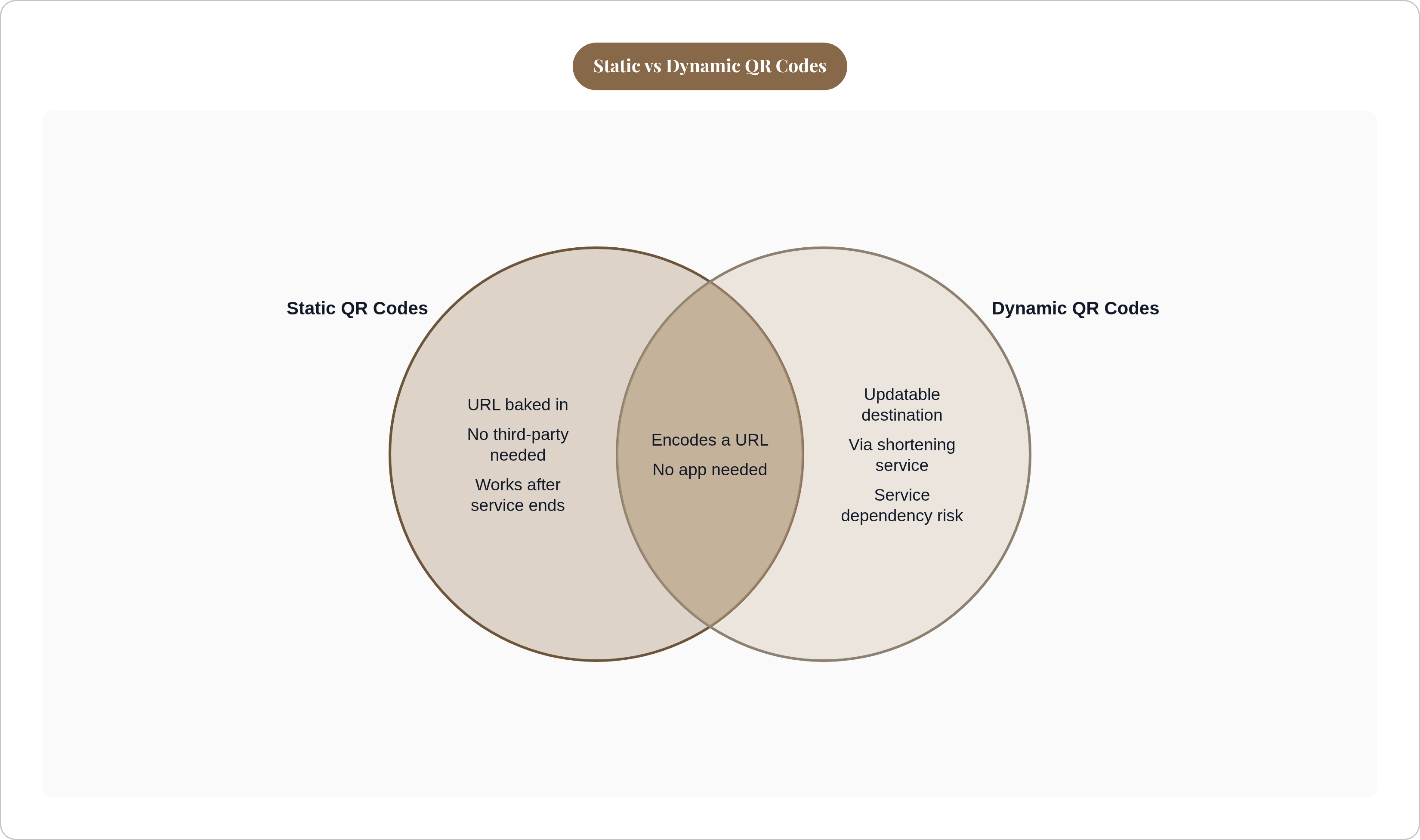
A QR code is a scannable link; that's it. It encodes a URL and opens it in the guest's phone browser. No app download, no account creation. The phone camera does the work.
There are two types worth knowing:
- Static QR codes bake the destination URL directly into the code. Permanent, no third-party dependency, but you can't change the destination after the cards are printed.
- Dynamic QR codes route through a shortening service like Bitly or Rebrandly. You can update the destination without reprinting, which sounds useful, until that service goes down or changes its pricing model six months before your wedding.
For most couples, the call is simple: use a static code pointed at a URL you own and control. Specifically the RSVP page, not a homepage that will get reorganized.
The thing people consistently miss is this; a QR code carries no data, captures nothing, and connects to nothing on its own. It's purely passive. Think of it as a printed hyperlink. The destination and the system behind it are what actually do the work, and that's where almost all the real decisions live.
Why Digital RSVPs Outperform Paper Reply Cards on Every Practical Measure
Anyone who has planned a wedding has some version of this story. You mail the reply cards. The deadline passes. You spend the next two weeks texting people who swear they sent it back, checking the mailbox daily, increasingly personally offended by its emptiness. It's a whole thing. Wedding planning forums on WeddingWire and WeddingBee consistently show that somewhere between 20% and 40% of couples end up chasing guests who never mailed anything back; that is a lot of follow-up for a checkmark.
Digital RSVPs close that gap significantly. RSVPify's research puts the response rate improvement at 22% over paper-only invitations. When a digital option exists, most guests respond within five weeks of receiving the invitation.
There's also a cost argument worth making concrete. Traditional reply cards, factoring in the card, the stamped return envelope, and postage, run between $0.50 and $1.50 per guest. For 150 people, that's $75 to $225 so guests can mail back a checkmark they will lose, forget, or dog-ear on their counter for three weeks. A QR code costs nothing to scan. The action takes about 30 seconds.
The less obvious advantage is what digital RSVPs actually collect. A paper card gives you a check in a box. A well-built digital form gives you attendance confirmation, accurate guest names, meal preferences, dietary restrictions, and optional extras like song requests. All of it structured, all of it in one place. Which is exactly why the destination the code points to matters so much.
What the QR Code Should Actually Link to
The most common mistake here is linking the code to the wedding website homepage and trusting guests to find the RSVP form from there. Every extra tap is friction. Friction causes drop-off. Link directly to the RSVP page. Guests land on one action, complete it, and they're done.
The RSVP page is also the most resilient destination. If your venue changes or your menu shifts, you update the page content. The URL stays the same. The printed card never needs to be touched again.
What the form itself should capture:
- Attendance confirmation
- Guest name (for headcount accuracy, not just a yes/no count)
- Meal preference, if applicable
- Dietary requirements as a structured field, not a free-text box
- Optional: song requests, a note to the couple, plus-one details
One thing most invitations omit entirely: guests need to know that emailing you does not count as an RSVP. It sounds obvious until you're three days from your headcount deadline reconciling a spreadsheet against your inbox.
Always include a plain-text URL beneath the QR code for guests who'd rather type. Add a phone number or email for guests not comfortable scanning at all. These two lines take up almost no space and prevent the vast majority of accessibility issues.
Technical Specifications That Determine Whether the Code Actually Scans
The rules here are simple; skipping them is how you end up reprinting 150 invitations.
Size. Minimum 0.8 by 0.8 inches (20mm by 20mm). Smaller than that and you're gambling on scan failure, especially with older phones.
Contrast. Dark code on a light background, always. Never place it over a patterned or textured area. The camera needs clean edges.
File format. SVG if your generator offers it. Vector files scale to any size without degrading. If SVG isn't available, use PNG at 1000 by 1000 pixels minimum. Never screenshot a QR code for print. The resolution will be too low, and scan failures will follow.
Placement. The back of the invitation keeps the front clean. A separate enclosure card works just as well.
Testing. Before you sign off on the print proof, scan the code on at least three different phones from arm's length. Include an older Android and an iPhone. Confirm the destination loads and the RSVP form actually works. Then confirm the URL is live. Do this before the cards go to print. That one step prevents the single most expensive mistake in this whole process.
What Happens to Guest Data After the Scan, and Why Most Setups Drop the Ball Here
Collecting RSVPs is the easy part. What most couples don't think about is what happens to that data afterward.
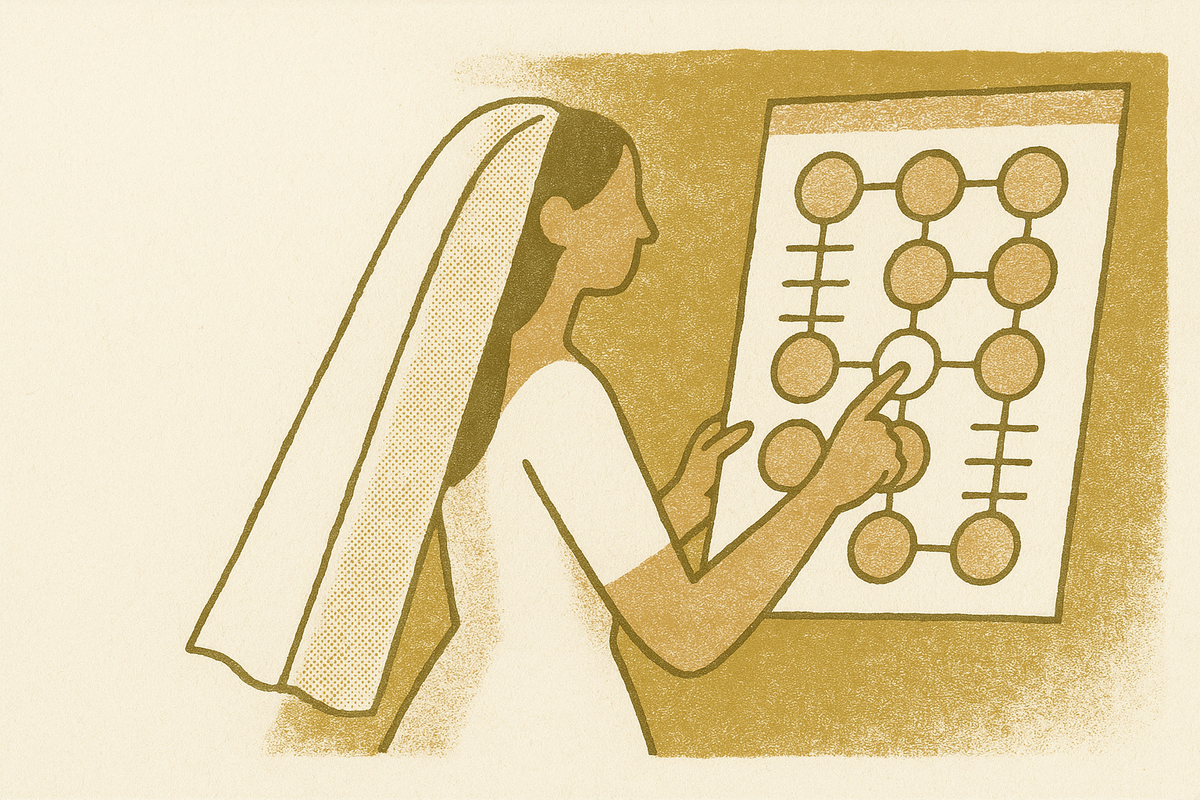
The typical setup goes something like this: RSVPs come in through one tool. Dietary needs get collected through a separate follow-up email because the form didn't ask. The seating chart gets built in a spreadsheet. At each hand-off point, someone is manually re-entering information from somewhere else, and at each hand-off point, errors creep in. Brides.com has reported that nearly three-quarters of couples name the seating chart as one of their most stressful planning tasks. A lot of that stress is a data problem, not a logistics problem; the information exists, it's just scattered across three different places.
A connected system fixes this:
- Dietary requirements collected at RSVP flow directly into the seating chart. No cross-referencing the morning of the wedding.
- Guest count updates in one place and everything downstream adjusts automatically: table counts, meal numbers for the caterer.
- The seating chart stays current as RSVPs come in, rather than becoming a document that's already out of date.
The downstream benefit at the venue is real. When dietary information is attached to seats, the caterer gets organized, accurate data. Not a handwritten note. Not a panicked phone call the day before.
Some couples extend this logic to the wedding day itself, with a QR code at the venue entrance where guests scan to see their table assignment. Shorter check-in lines. No printed seating chart board creating a crowd bottleneck.
The QR code on the invitation is the first data collection moment; a well-designed system uses it to populate everything downstream, so no information ever has to be entered twice.
How to Word the Digital RSVP Instructions on the Invitation Itself
Keep it to two things: the deadline and the action. Everything else is noise. Guests don't need to understand how QR codes work. They need to know when to respond and what to do.
Some options that work well in practice:
- "Kindly reply by [date] at [URL]." Clean, direct, works in any register.
- Beneath the QR code: "Scan to RSVP, or visit [URL]." Gives the code context and supplies the fallback in one line.
- On digital invitations: skip "RSVP online" because that's obvious. Name the deadline, and tell guests to use the button, not to reply to the email.
That last point bears repeating. On digital invitations especially, guests frequently assume a reply to the email counts. It usually doesn't. Say so plainly. One sentence: "Please use the link below to confirm attendance. Email replies aren't tracked in our headcount."
Tone should match the invitation's overall register. A formal wedding gets formal wording. A casual backyard celebration gets something looser. "Scan to RSVP" is fine. "Access our digital response portal" is not.
Include one line for guests who prefer not to scan: a phone number or email address. It respects the range of comfort levels across your guest list without making the invitation feel complicated for everyone else.
Matching the QR Code Setup to the Kind of Wedding Website Behind It
The QR code is only as good as the page it opens. A slow, hard-to-navigate site defeats the entire point; convenience is the promise the code makes, and the website has to keep it.
Mobile performance is non-negotiable, because guests scan on phones. The form needs to load fast and be fillable on a small screen. Compressed photos, minimal scripts, nothing fancy that takes four seconds to render.
What the page actually needs to do:
- Load quickly
- Surface the RSVP form without requiring navigation
- Collect structured data (dietary restrictions as a dropdown or checkbox, not a free-text field that produces 150 different spellings of "gluten-free")
- Confirm submission to the guest so they know it registered
The integration question worth asking any platform: does RSVP data feed automatically into a guest list and seating chart, or does it arrive in an email inbox someone has to process by hand? That answer tells you almost everything about how much manual work you're taking on.
Password-protecting the site is worth considering if you want content visible only to invited guests. It doesn't affect QR code functionality as long as the RSVP page stays accessible.
The website also carries real value throughout the engagement as the live source of truth for schedule updates, venue information, and travel logistics. A well-maintained site cuts down significantly on individual guest questions. That alone justifies the setup time.
The QR code gets guests to the door; the website and the system behind it handle everything that comes next.